 FreeUpDisk
Duplicate file finder for Mac
Matches copies by content, not by name, and reports the space you would actually get back.
macOS 12 or later · one email when it ships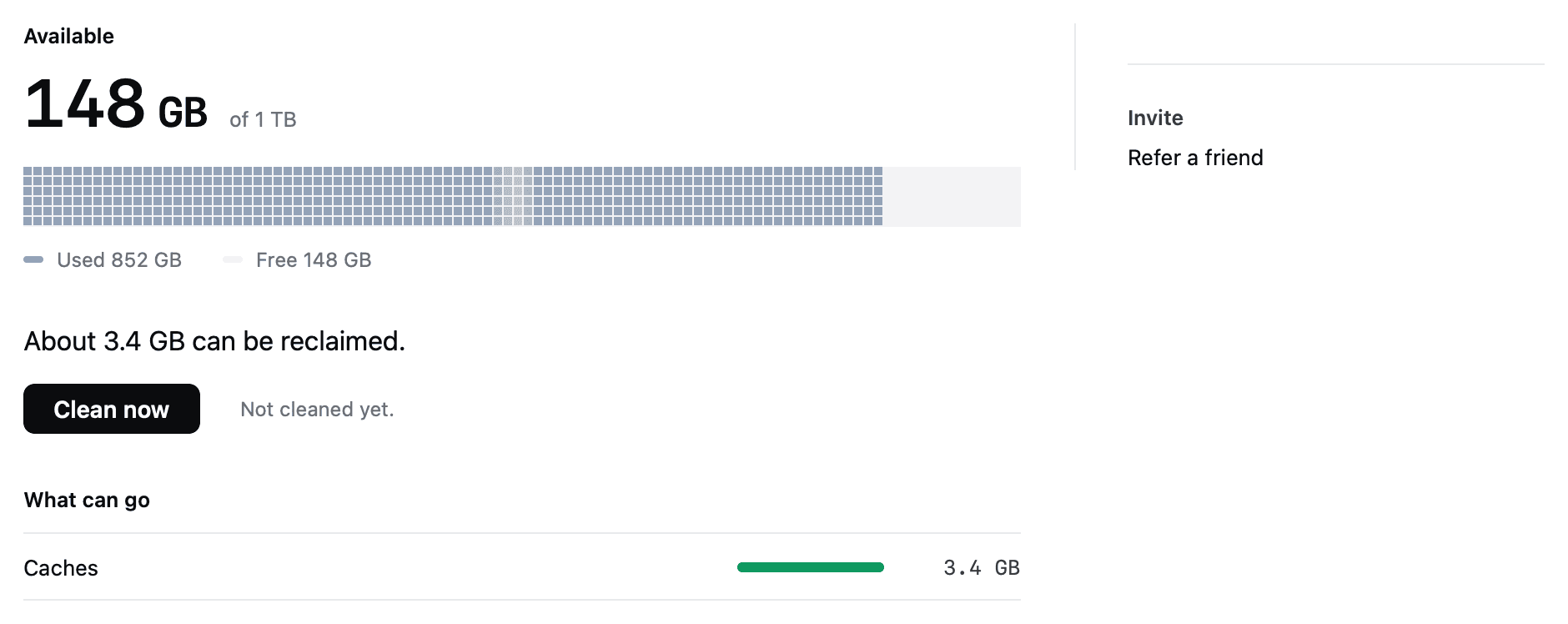
Why FreeUpDisk is safe to install
- permission
- macOS will not let any app grant itself Full Disk Access.
- scope
- Clears three folders. Everything else is off limits.
- recovery
- Removed items stay recoverable for 30 days.
- architecture
- One function in the whole app can delete a file.
- price
- Scanning is free. No account needed to clean.
Both paths, and the real saving
Each group shows which copy survives, how the match was made, and the space the removal actually returns.
~/Documents/contract-signed.pdfremove~/Downloads/contract-signed (1).pdf~/Music/Masters/session-04.wavremove~/Music/Backup 2023/session-04.wav~/Pictures/IMG_4021.HEICremove~/Desktop/Camera dump/IMG_4021.HEIC~/Pictures/2024/IMG_2201.HEICreview~/Pictures/2024/IMG_2201-edited.HEIC~/Movies/wedding-master.movclone~/Movies/Edit/wedding-master.movThe last row is an APFS clone. Two names, one set of blocks, and no space returned by deleting either. Counting it would inflate the total by the size of the file.
How two files are judged the same
| Method | Finds | Misses | Verdict |
|---|---|---|---|
| File name | Copies that kept the same name | Anything renamed, and every "(1)" variant | Weakest |
| File size | Candidates worth checking | Different files that happen to match in size | A filter, not an answer |
| Content hash | Byte-identical copies regardless of name | Photos re-saved at another quality | The reliable default |
| Perceptual hash | Photos that look the same but differ in bytes | Nothing relevant, but needs your review | Images, always reviewed |
Candidates are filtered by size, hashed in part, then hashed in full. Most files are never read past the first few kilobytes.
Nothing goes without your say
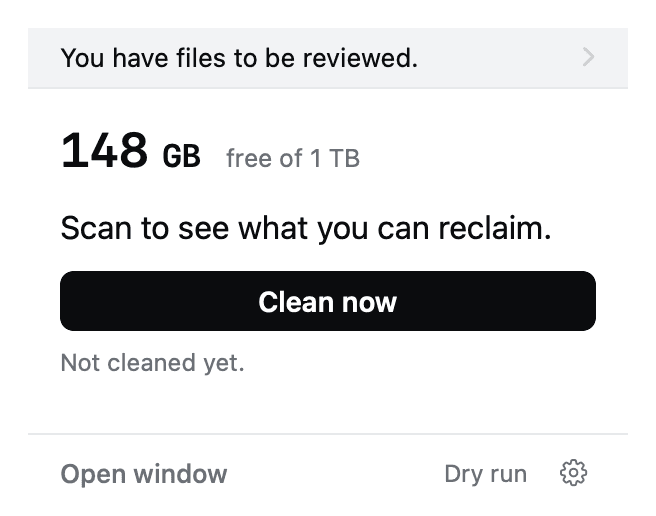
Duplicates always wait for you
Deep Scan finds the groups and recommends which copy to keep. It never removes a duplicate on its own, so no photo or project file disappears while you are not looking.
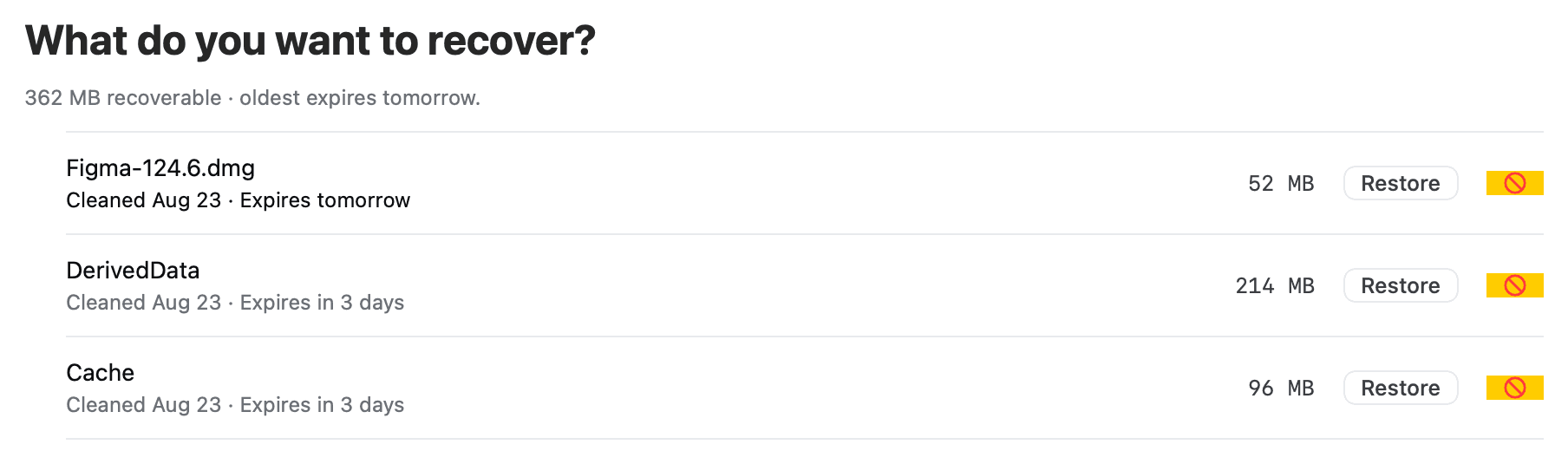
Recovery holds everything for 30 days
Removed copies move to Recovery with the size and expiry shown. If you dropped the wrong one of a pair, restoring it is one click.
Most duplicate finders overpromise
macOS has no built-in duplicate finder outside the Photos app, and a Finder Smart Folder cannot compare contents.
Name matching fails both ways: report.pdf and report-final.pdf can be identical, and two IMG_0001.jpg files usually are not.
APFS stores a copy made on the same volume as a clone. Both entries show a full size, and deleting one returns nothing.
A finder that counts clones can promise 80 GB and deliver 12. FreeUpDisk reports clones at zero instead.
Your files are never eligible
FreeUpDisk can only act on paths on a compiled-in list. Anything else, including anything it does not recognise, is untouchable.
/System, iCloud Drive, Keychains, Mail and running apps are refused even if you ask. There is no advanced mode.
Exactly one function in the core can move or delete a file, and every candidate passes seven checks to reach it.
Runs on macOS 12 and later
- system
- macOS 12+
- chip
- Apple silicon
- scan
- Free, read-only
- first cleanup
- Free
- status
- Early access
Duplicate files on Mac, answered
How do I find duplicate files on a Mac?
Compare files by content rather than by name, because a renamed copy is still a duplicate and two files with the same name are often unrelated. FreeUpDisk groups candidates by exact byte size, hashes a small window of each to eliminate most of them, then hashes in full before confirming a match. macOS has no built-in duplicate finder outside the Photos app.
Does macOS have a built-in duplicate file finder?
Only for photos. Photos on macOS 13 and later shows a Duplicates album for items inside your photo library, which does nothing for files elsewhere on the disk. Finder has no equivalent, and a Finder Smart Folder can filter by name, kind and size but cannot compare file contents.
Why do some duplicates free no space when deleted?
APFS clones. When you copy a file inside the same volume, macOS often stores one set of blocks with two names pointing at it. Both entries report the full size in Finder, and deleting one returns no space, because the data was never duplicated. FreeUpDisk detects clones and reports them at zero rather than inflating the total.
Which copy does FreeUpDisk keep?
FreeUpDisk proposes keeping the copy in the more established location, which is usually the older path outside Downloads and Desktop. Both paths and the proposed decision are shown before anything happens, and you can flip which copy survives.
Is it safe to delete duplicate files on a Mac?
For exact byte matches, yes, since the two files are identical. The risk sits with similar-looking photos, where an edited version is a different file you may want to keep. FreeUpDisk never removes an image match automatically, and anything removed stays in Recovery for 30 days.
Does FreeUpDisk delete duplicates automatically?
No. Duplicates are found by Deep Scan, which explains and recommends but never removes on its own. FreeUpDisk clears only application caches, logs and Trash older than 30 days without asking. Every duplicate group waits for your decision.
Is the duplicate scan free?
Yes. The scan, the grouped results and the reclaimable total cost nothing with FreeUpDisk, because scanning is read-only. Cleaning uses credits called Sweepers and the first cleanup is free. There is no subscription.
More ways to reclaim Mac disk space
One copy is enough
Content-matched groups, both paths shown, and a reclaimable figure that survives contact with APFS. The scan is free.
macOS 12 or later · Apple silicon